
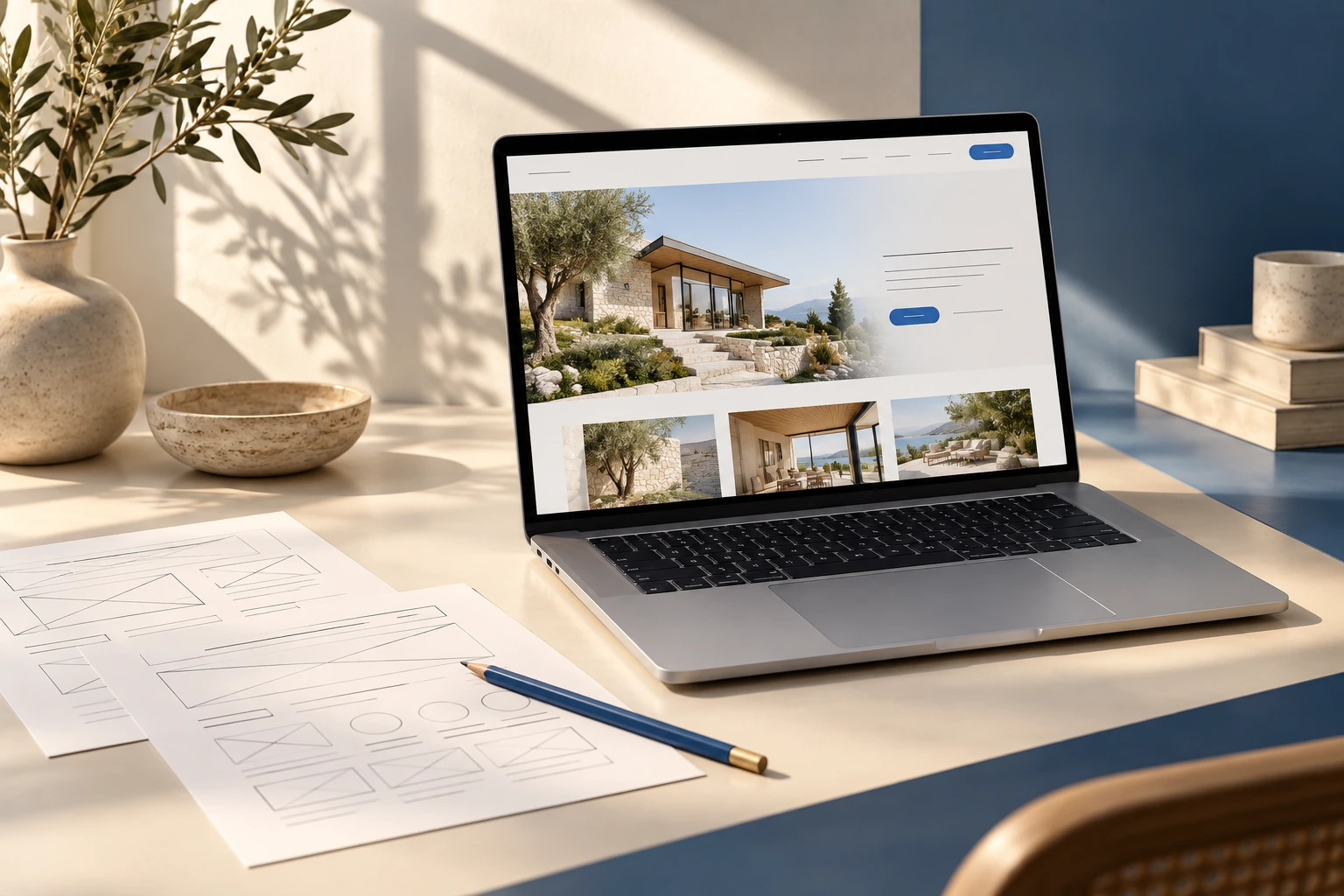
Make the first screen earn its place
Open your homepage on your phone. Can a new visitor tell what you do, who you help and how to take the next step without scrolling? Write those three answers in plain language. A beautiful headline still needs to explain the offer. Replace broad promises with a specific service and a relevant reason to choose you.
Follow one real customer journey
Choose your most important service. Start on the homepage, find that service and try the main inquiry action. Count the steps and note every point where the visitor has to guess. Keep the service name consistent between the navigation, page headline and contact form. Use a test inquiry you can recognize, and confirm it reaches the correct person.
Bring proof closer to the decision
Show relevant project photography, accurate business details and reviews you have permission to publish. Put the most useful proof near the claim it supports. A service page should help the reader imagine the actual work, rather than relying on the same generic image across the whole website.
Check the foundations on a small screen
Read every heading, tap the navigation and complete the form using a phone. Look for tiny text, overlapping buttons, unclear errors and horizontal scrolling. Confirm your telephone and email links work. A full technical review should separately assess performance, accessibility, indexing and security; a visual check is only the starting point.
Turn observations into a short brief
Group what you found into fix now, improve next and rebuild. A broken form needs attention before a new color palette. If the structure and platform still serve the business, focused improvements may be enough. If customers cannot understand the offer or reach the right service, a redesign may be the better project. Record the priority, the reason and how you will know it is fixed.
PUT THE IDEA TO WORK
Your next-step checklist.
Use this to prepare your brief. Your selections stay on this page until you leave.